 MyBills

GST, done right
CGST + SGST or IGST is chosen automatically from the place of supply. Tax-inclusive prices, discounts, cess, reverse charge, round-off and amount in words — all handled.
MyBills creates GST-compliant invoices, estimates and credit notes in seconds — with professional designs, GST reports ready for filing, and private sync across your phone and PC.
30-day free trial · no card needed · Premium coming soon
Built for freelancers, consultants, agencies and small businesses across India.
CGST + SGST or IGST is chosen automatically from the place of supply. Tax-inclusive prices, discounts, cess, reverse charge, round-off and amount in words — all handled.
Pick a client, tap your saved services, issue. GSTIN entry fills in the state and PAN; numbering, due dates, notes and terms fill themselves.
Six professional templates, brand colours, four typefaces, letterhead, signature and UPI QR — and you watch the real PDF change as you design.
GSTR-1 (B2B, B2CL, B2CS, credit notes, exports, HSN summary, documents issued) as portal-ready JSON, plus GSTR-3B summary, Excel and CSV for your accountant.
Create on your phone, finish on your desktop. Each device numbers in its own series, so two invoices made at the same moment — even offline — never clash.
Outstanding, overdue and collected at a glance. Record full or partial payments, track receivables ageing and see your top clients.
Clear numbers, calm colours and one-tap actions. MyBills is crafted to feel at home next to the best apps on your phone — in light or dark mode.
Choose a template, pick your colour and typeface, add your letterhead and signature — and see the actual PDF update instantly.
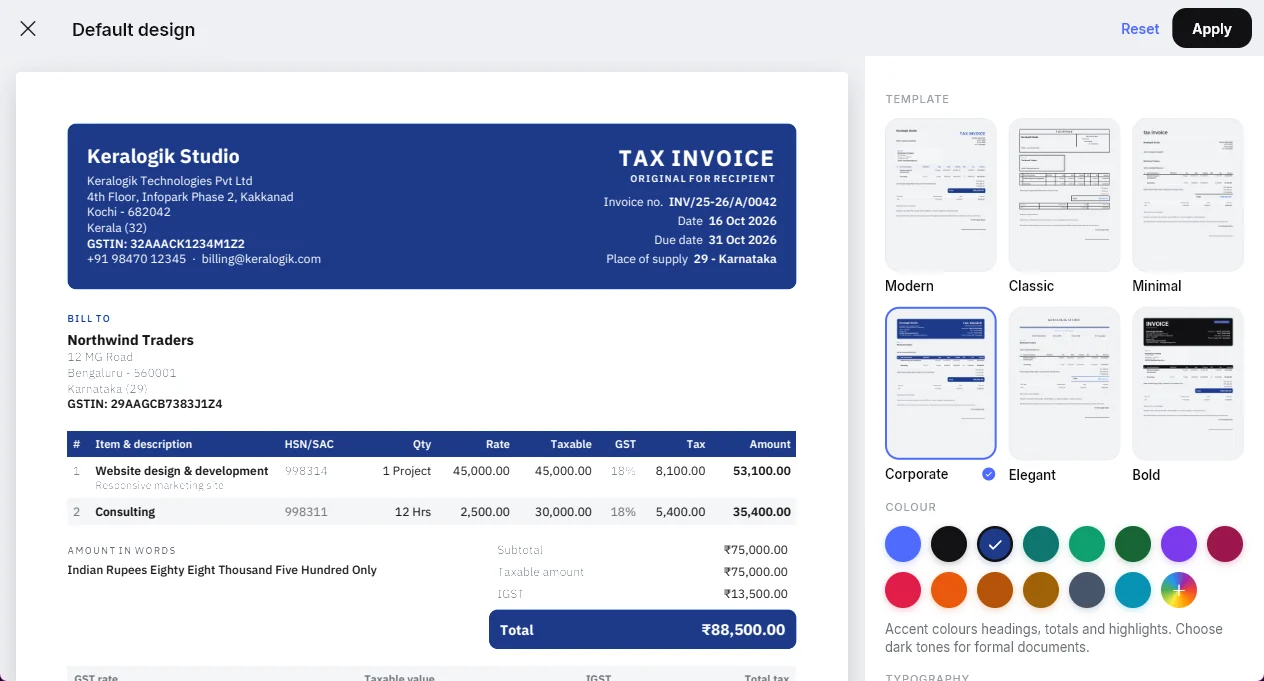
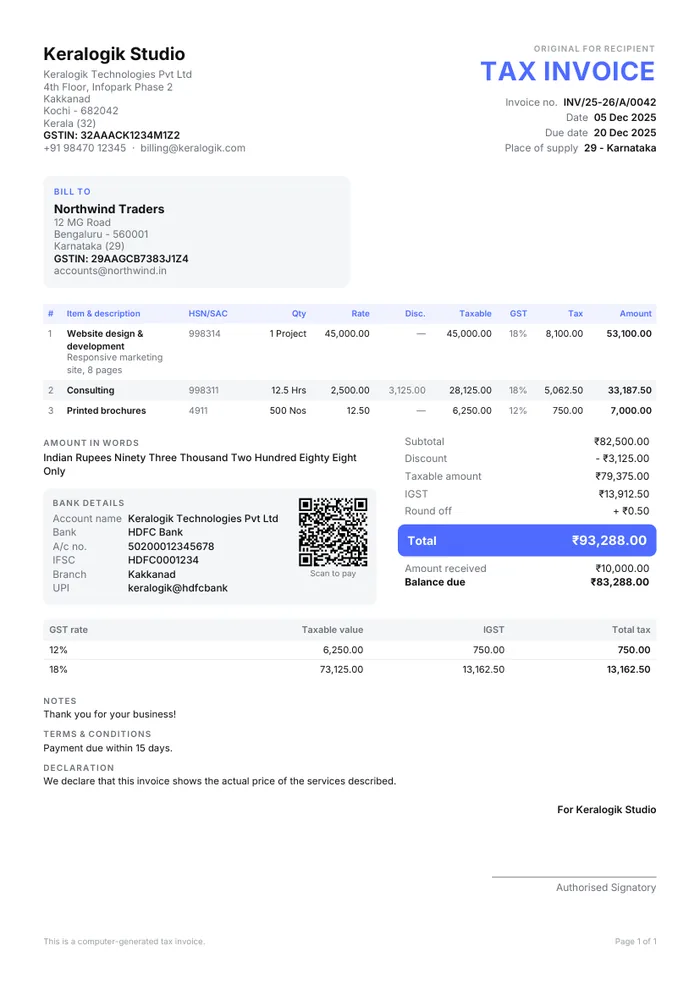
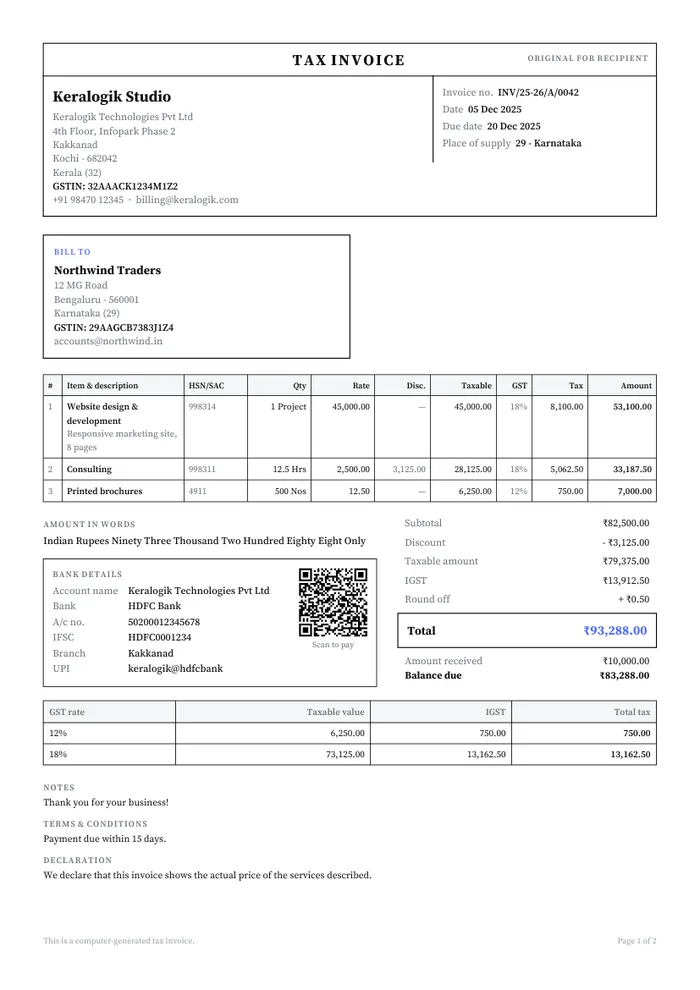
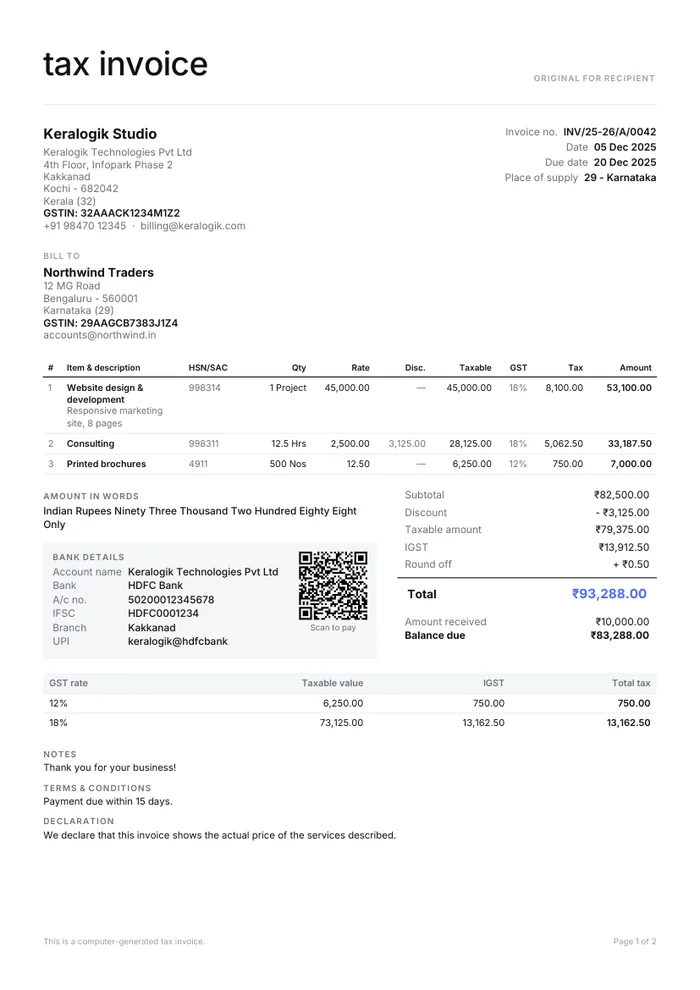
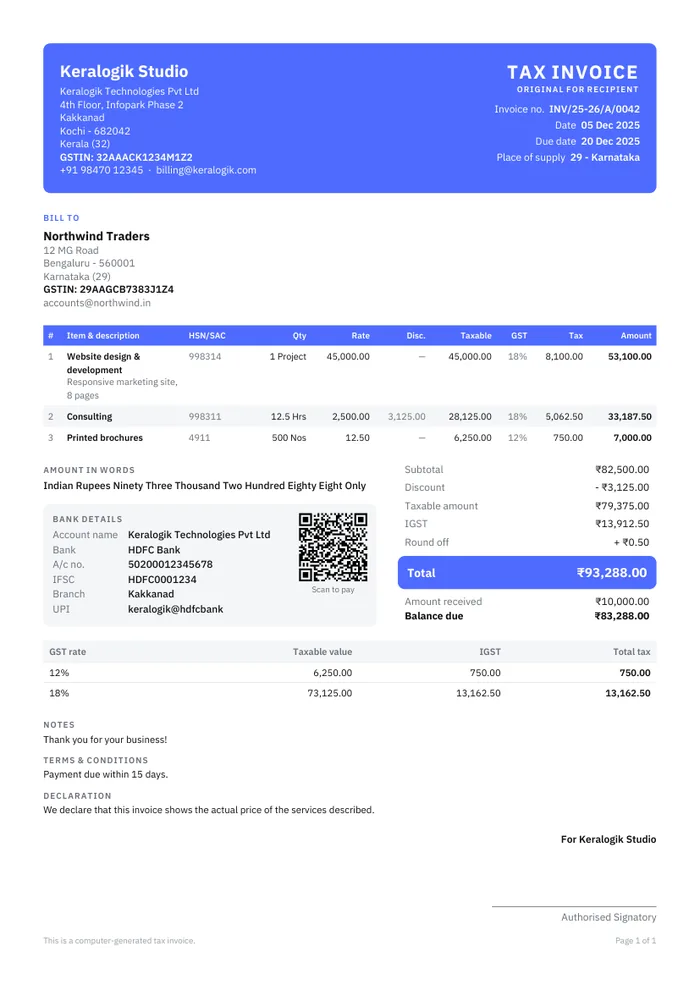
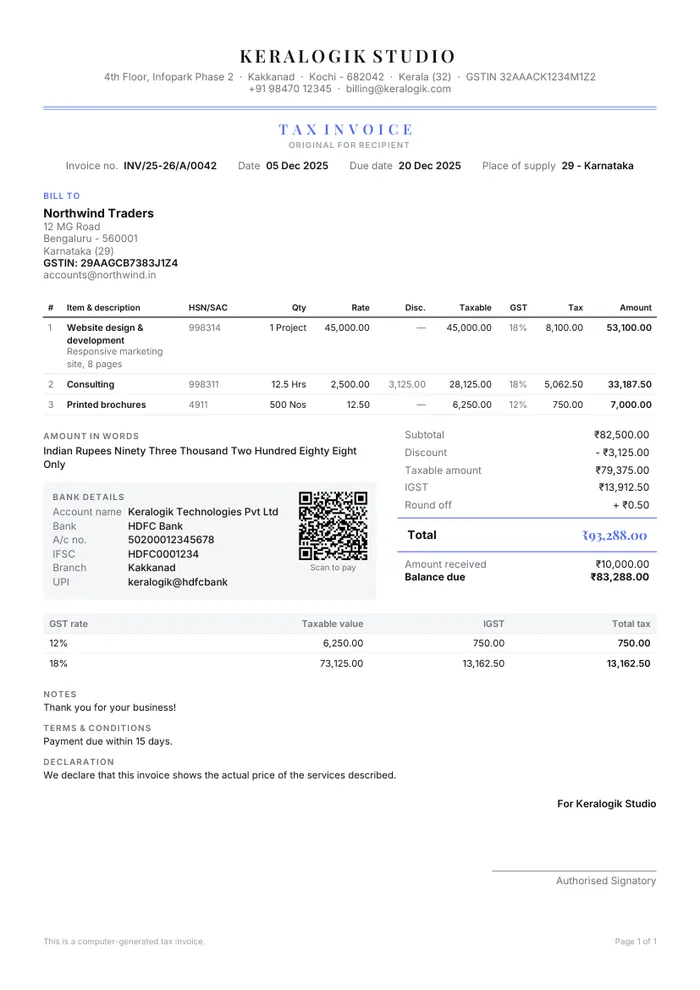
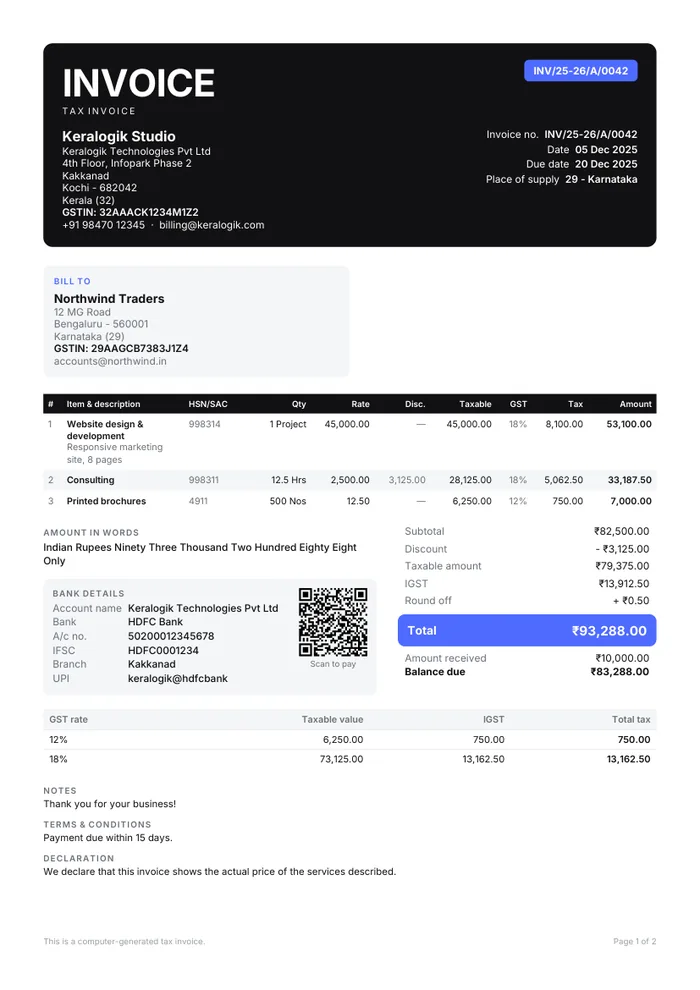
14 curated accents — or any brand colour you like.
A sidebar, master–detail lists, an editor with the live invoice beside it, a command palette and shortcuts like Ctrl+N, Ctrl+K and Ctrl+P.
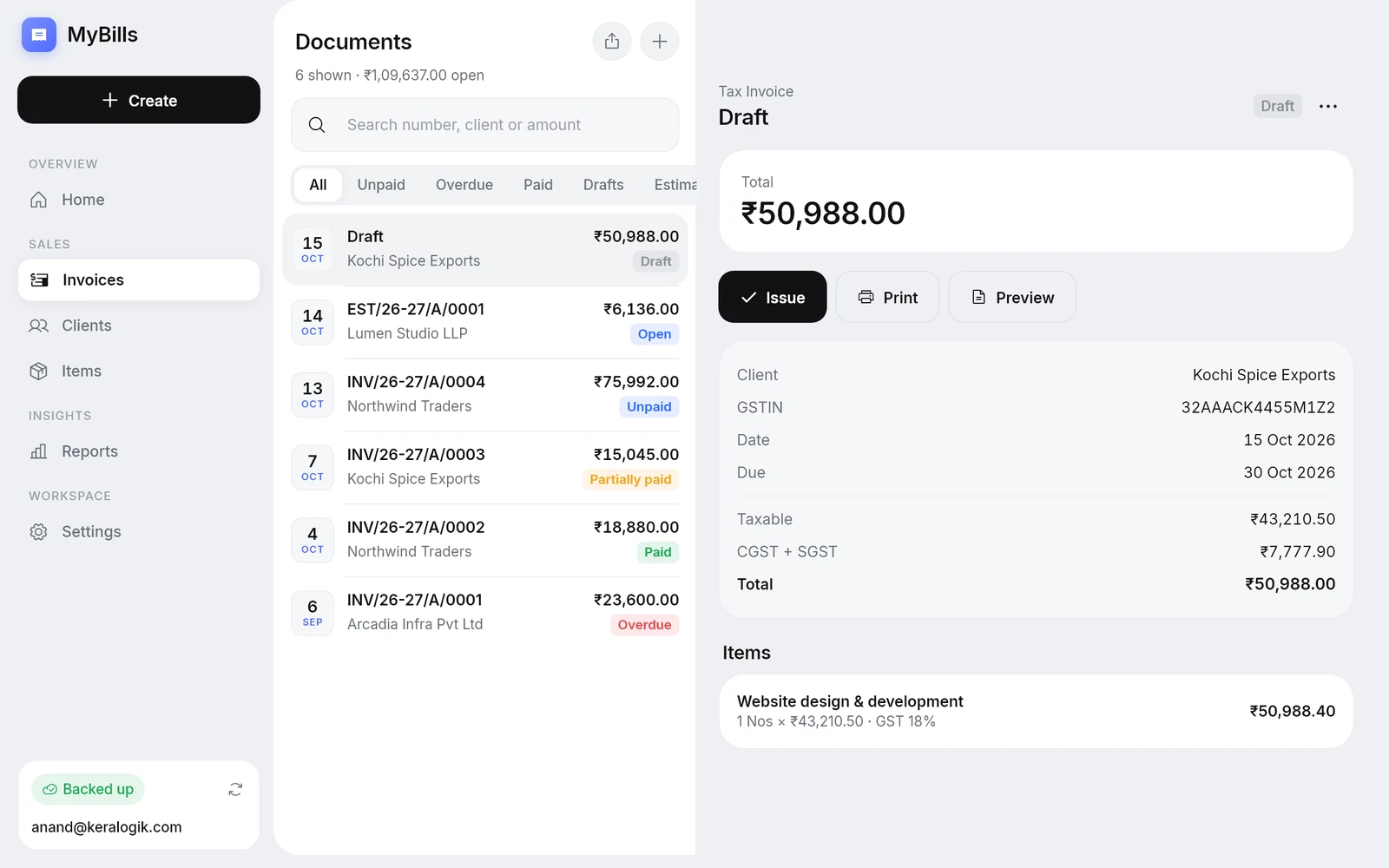
MyBills has no servers that store your business data. You sign in with your Google account, and MyBills keeps an encrypted copy of your data in a private, hidden app folder inside your own Google Drive — so it syncs between your devices and comes back automatically if you change phones.
Every file is encrypted on your device before it is uploaded to your Drive.
MyBills asks Google only for access to its own app data folder. It cannot see, open or change any of your other Drive files.
No advertising, no analytics SDKs, no selling of data. Your clients' details are yours alone.
Read the full Privacy Policy to see exactly what MyBills accesses and why.
Install on Windows and Android and sign in with the same Google account — everything stays in sync. Your 30 days start the first time you use MyBills and cover all your devices.
By downloading or using MyBills you agree to the Terms of Service and Privacy Policy.
Signing in with Google lets MyBills store an encrypted backup of your data in your own Google Drive and keep your phone and PC in sync. MyBills only requests access to its own hidden app data folder — it cannot read your other Drive files, emails or contacts.
No. Your data is stored on your devices and in your own Google Drive, encrypted before upload. We do not operate servers that receive or store your business data.
Yes. You can create, edit and issue invoices offline. Changes upload automatically when you are back online.
Each device numbers in its own series (for example INV/25-26/A/0001 and INV/25-26/B/0001), so numbers can never clash — even offline. GST rules allow multiple invoice series.
MyBills calculates taxes and prepares GST reports from the invoices you create, but you remain responsible for the accuracy of your invoices and returns. We recommend reviewing filings with your tax professional.
In the app, go to Settings → Data & backup → Delete cloud data, then sign out and choose to remove data from the device. You can also revoke MyBills' access at myaccount.google.com/permissions. See the Privacy Policy for details.
Every feature is unlocked for 30 days, starting the first time you use MyBills. The trial belongs to your Google account, so it covers your phone and PC together. No payment details are needed.
The app stops opening until you upgrade to MyBills Premium, which is coming soon. Your invoices, clients and settings are not deleted — they stay encrypted in your own Google Drive and are ready when you upgrade. You can still remove them at any time from your Google account.

